Viral Cinematic Mountain AI Video Prompt for Gemini
ByRaja Soni
If you want to turn a simple mountain photo into a stunning cinematic video, the right AI prompt can make a big difference. Gemini can help create realistic camera movement, natu ral lighting, atmospheric effects, and a movie-like mountain scene.
In this guide, you’ll get a Viral Cinematic Mountain View AI Video Editing Prompt for Gemini that you can copy and use with your image. On Prompt Seen You can get viral videos prompts and templates.
What Is a Viral Cinematic Mountain View AI Video Editing Prompt?
It is an AI instruction that converts a mountain image into a cinematic video. Instead of simply asking the AI to “animate this photo,” you can describe exactly what should happen. For example, you can tell the AI to:
Slowly move the camera toward the mountains.
Add fog moving through the valley.
Make clouds drift naturally.
Add gentle wind to clothes and trees.
Create a sunset or blue-hour atmosphere.
Keep the same face and outfit.
Finish with a dramatic wide shot.
This gives your video a more realistic and planned cinematic flow.
Why Is It Trending?
AI-generated cinematic videos are trending because they can create professional-looking visuals from ordinary images.
Mountain landscapes are especially suitable for this style. Wide valleys, green hills, clouds, fog, and dramatic skies give AI plenty of visual elements to animate.
The trend also works well for short-form content. A 5–10 second cinematic clip can quickly grab attention when it starts with a strong mountain view and ends with a dramatic camera shot.
Another reason is the emotional feel. A person standing alone in the mountains, walking through mist, or looking across a valley can create a peaceful and cinematic story without complicated editing. Also try: Birthday AI Photo Editing Prompts.
Best Prompts for Viral Cinematic Mountain View AI Video Editing Prompt
AI Prompt
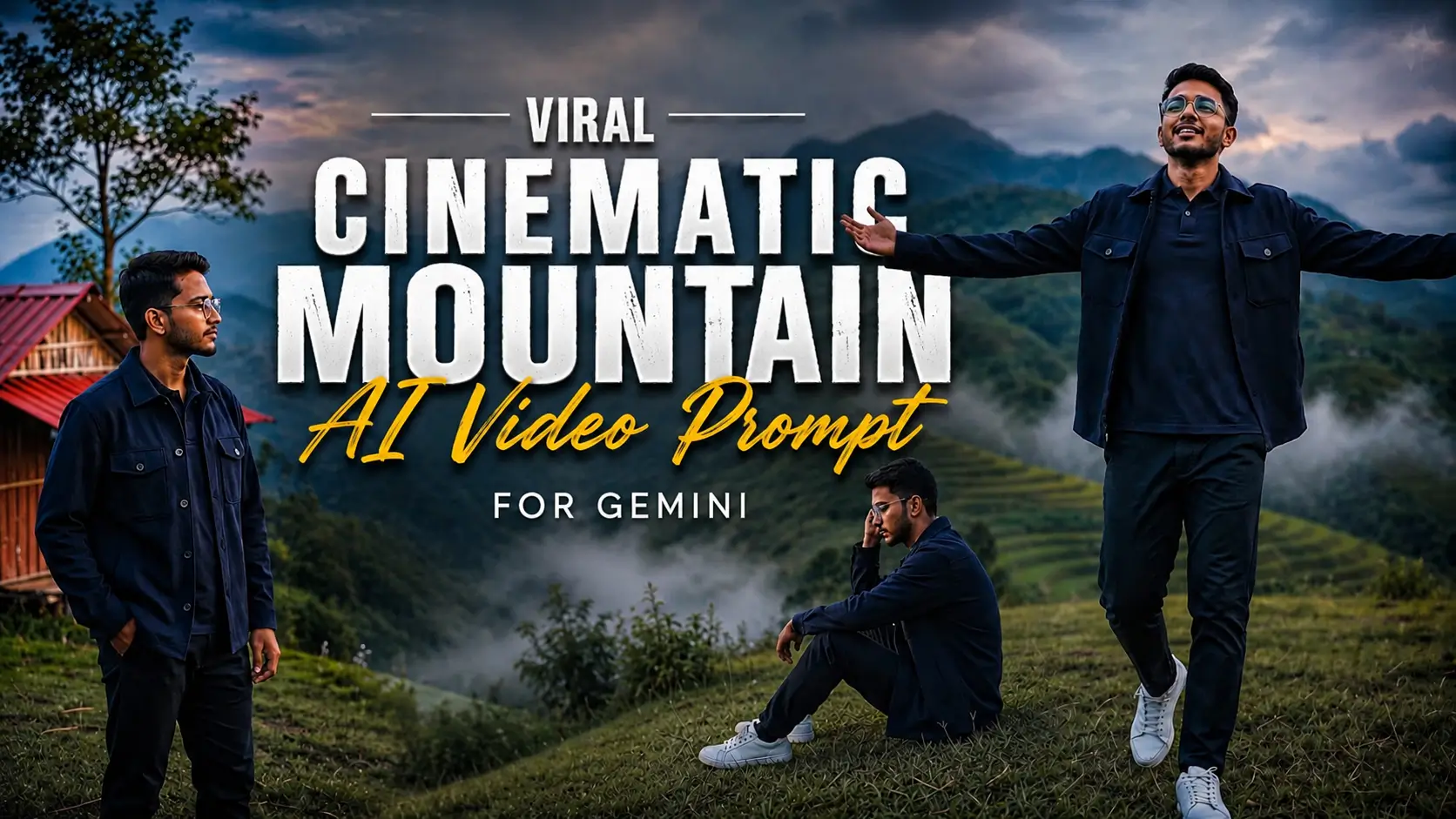
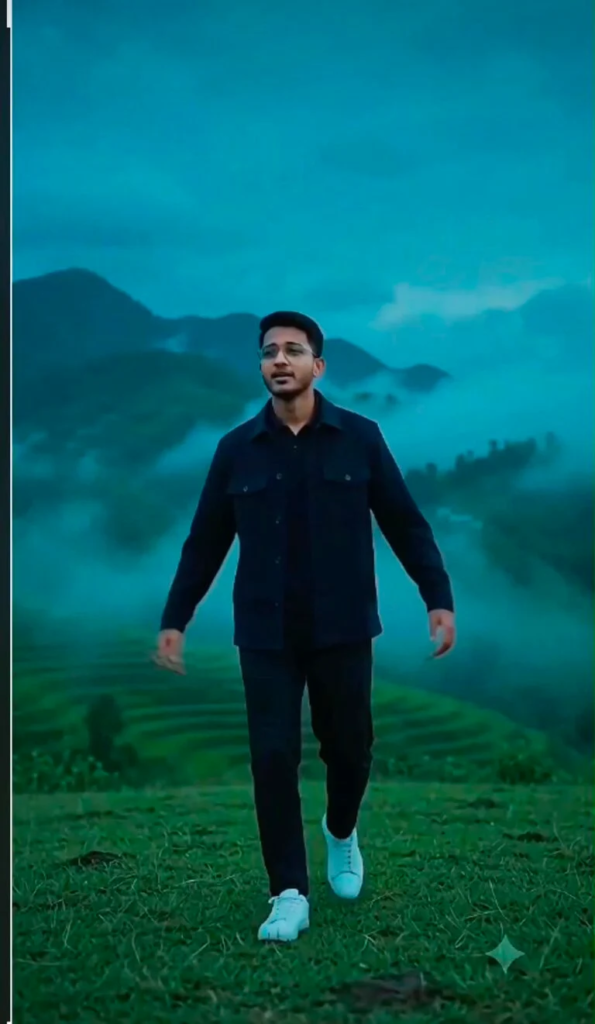
A cinematic ultra-realistic 8K vertical video (9:16) of a young man with short dark hair and light beard, wearing a navy-blue collared shirt/jacket and dark trousers with white sneakers, alone on misty green mountain terraces at dusk.
Scene 1: Wide establishing shot from behind — he stands still on an open grassy hilltop, thick fog rolling over layered green terrace farms in the far distance, soft moody blue-grey evening light, cinematic wide angle.
Scene 2: He slowly raises both arms outward while walking forward, misty clouds drifting low over the mountain terraces, wind moving his jacket, emotional and free expression.
Scene 3: Side-profile cinematic shot — he walks slowly across the grass field, blurred green mountain terrace background, shallow depth of field, soft golden-blue rim light on his face.
Scene 4: He sits down alone on the grassy hilltop, elbows on knees, hand resting near his face, gazing quietly at the fog-covered valley below — a still, reflective, emotional moment, soft ambient light.
Scene 5: He stands near a red-roofed hillside hut beside a tree, one hand in pocket, looking out at the layered misty mountains, calm and contemplative, cool dusk tones.
Scene 6: Final powerful shot — he stands alone at the cliff’s edge as a full silhouette against a dramatic sea of clouds, head bowed down for a moment then slowly looking up as fog drifts across the vast valley below, deep blue-teal dusk sky, cinematic slow zoom-out, ending on the silhouette against the misty horizon.
Overall style: same face, same body, same navy-blue outfit consistent in every scene, no identity change, realistic skin and fabric texture, moody blue-teal cinematic color grading, heavy atmospheric mist and haze, dramatic dusk lighting, filmic contrast, smooth cinematic transitions, ultra-realistic 8K quality, emotional and cinematic continuous flow from start to end.
How to Use this Prompt
Choose a clear, high-resolution mountain photo with visible sky and foreground
Upload the image to your AI video generator
Paste the main cinematic prompt
Set video duration and aspect ratio based on your platform
Use 9:16 for Instagram Reels, TikTok, and YouTube Shorts
Use 16:9 for YouTube landscape videos
Generate the video
Check face, hands, clothes, mountains, and camera movement
Best AI Tools
Gemini – Create cinematic video prompts using natural language; good for experimenting with scenes, lighting, and camera movement.
Kling AI – Best for realistic image-to-video generation with smooth cinematic motion.
Runway – Powerful tool for turning images into professional-style AI videos and creative edits.
Pika – Easy tool for generating short AI videos with fun and stylized effects.
Tips and Tricks
Start with a high-quality image, as blurry or heavily compressed photos can reduce video detail quality.
Keep camera movement slow and smooth; gentle zoom, pan, or dolly shots work best for mountain scenes.
Clearly define motion in the prompt by specifying what should move (clouds, grass, hair, clothing) and what should remain stable (mountains, buildings, landscape).
Use identity-preservation instructions when a person is present to avoid unwanted changes in face, body, or appearance.
Avoid overloading the prompt with too many effects, since natural and minimal motion often looks more realistic than heavy transitions.
For social media videos, position the main subject clearly in the frame so it remains visible when cropped into vertical formats.
Experiment with multiple versions of the same image, such as sunset, fog, blue hour, sunrise, or dramatic cloudy weather, to achieve different cinematic moods.
Conclusion
The Viral Cinematic Mountain View AI Video Editing Prompt for Gemini can turn a simple mountain photo into an impressive cinematic video. The strongest results come from giving the AI clear instructions about camera movement, environmental motion, lighting, identity, and scene progression.
Start with the main prompt and then experiment with the sunset and misty mountain versions. Keep the movement smooth and natural, and always check the generated video for face changes, flickering, and landscape distortion.
Are you looking for a creative way to make your year-end video? The End-of-Year 2026 CapCut Template Tum Yaad Aate Ho Song is a great option for creating emotional photo edits, memorable reels, and stylish short videos. With music, smooth transitions, and attractive effects, you can turn your favorite pictures into a video worth sharing….
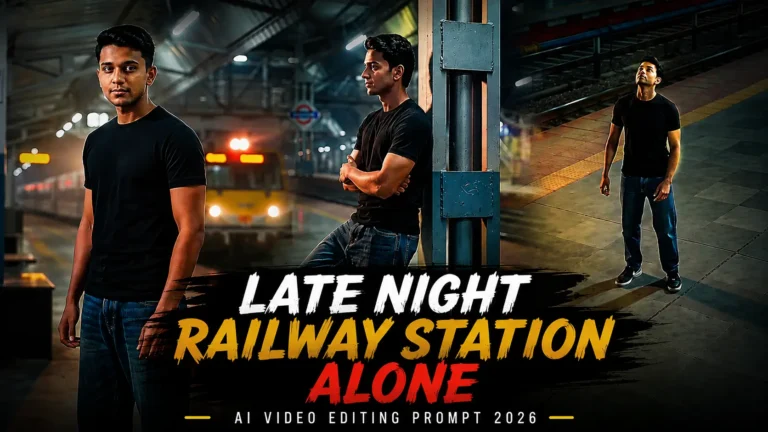
The Late Night Feelings Railway Station Alone AI Video Editing Prompt is trending for creating emotional and cinematic AI videos. It gives your photo a lonely railway station look with night lights, a quiet platform, and a deep emotional mood. You can use this prompt with an AI video editing tool to turn your normal…
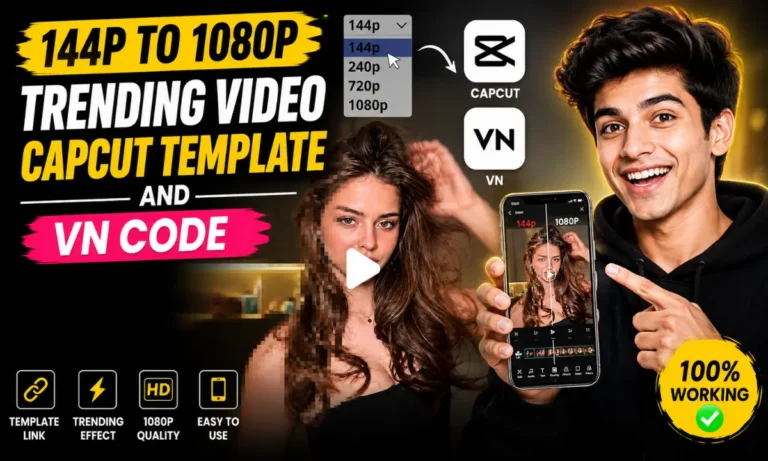
Want to turn a blurry 144p video into a clean 1080p-style edit in just a few taps? The 144p to 1080p Trending Video CapCut Template is one of the latest viral editing trends on Instagram Reels, TikTok, and YouTube Shorts. This template creates a dramatic quality transformation effect. Your video starts with a low-resolution look…
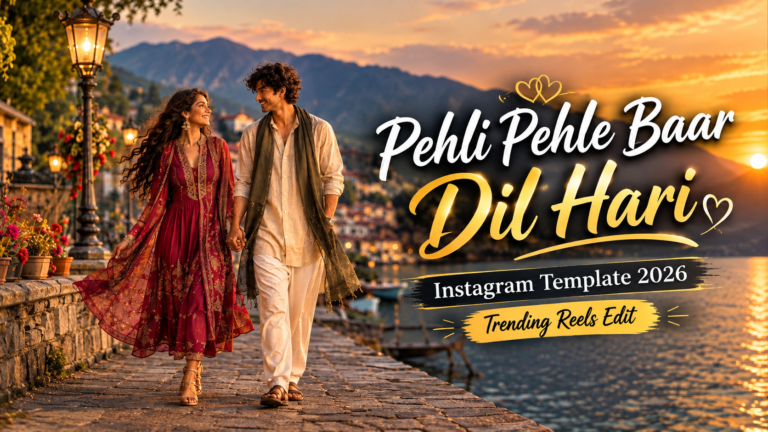
Some songs bring back beautiful memories, and Pehli Pehle Baar is perfect for creating romantic and aesthetic Instagram Reels. If you want to make a stylish video with your favorite pictures and clips, the Pehli Pehle Baar Instagram Template 2026 is a great option to try. For more romantic edits, try the Candid Couple Photo…