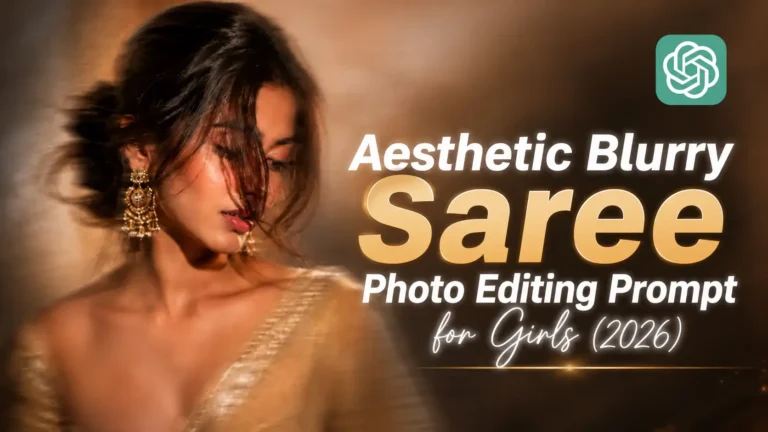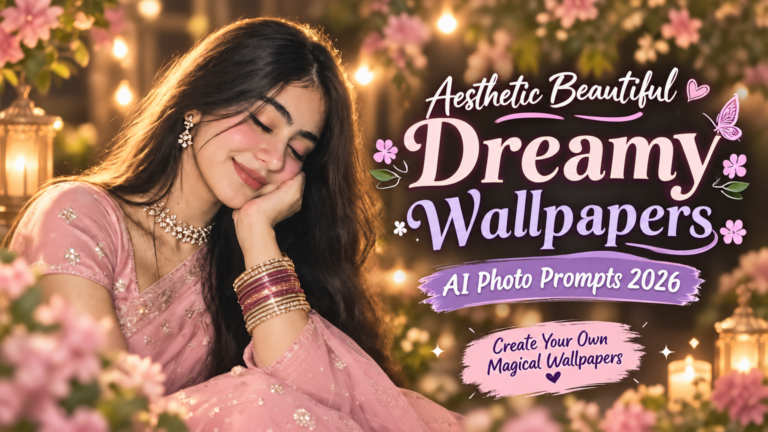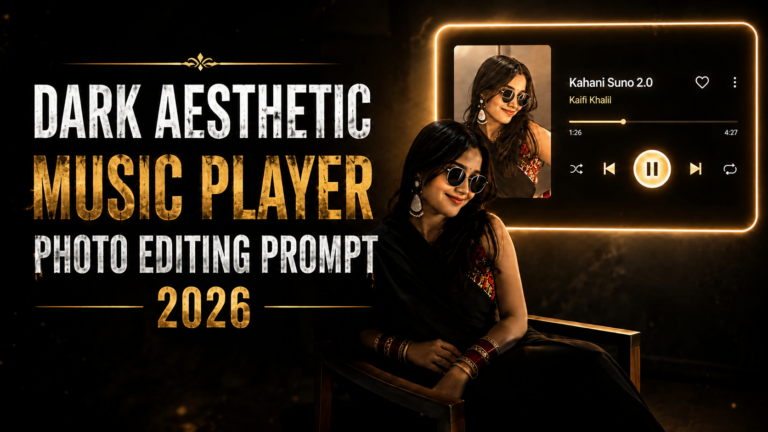
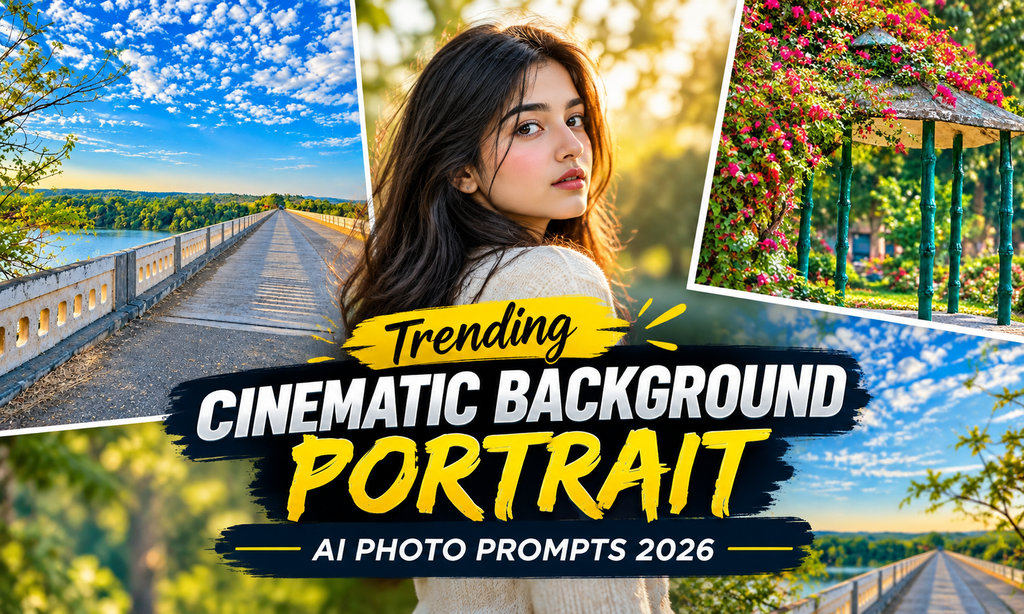
Trending Cinematic Background Portrait AI Photo Prompts 2026
Sometimes a portrait does not need a complete makeover. A better background, the right lighting, and a little cinematic atmosphere can be enough to change the entire feel of a photo. This is exactly why cinematic portrait editing has become a popular AI photo trend.
You can place your portrait in a dramatic city, a quiet mountain landscape, a luxury interior, or even a rainy street without taking another photo with AI editing tools. The main idea is to make the background look natural while keeping your face and overall appearance recognizable.
If you want to try this style yourself, these Trending Cinematic Background Portrait AI Photo Prompts 2026 can give you plenty of ideas.
What Makes a Portrait Look Cinematic?
A cinematic photo is not simply about adding a dark filter. The overall scene needs to feel balanced. Lighting, background, shadows, colors, depth, and the position of the subject all work together.
AI tools can recreate these details from a simple instruction. You can describe a location, choose a particular mood, and ask the tool to blend your portrait naturally into the new environment.
A good prompt should also mention that your original facial features and identity should remain unchanged. For more trending AI photo editing ideas, Prompt Seen offers a variety of creative prompts and popular editing styles.
Best Cinematic Background Portrait AI Photo Prompts
Reference Image
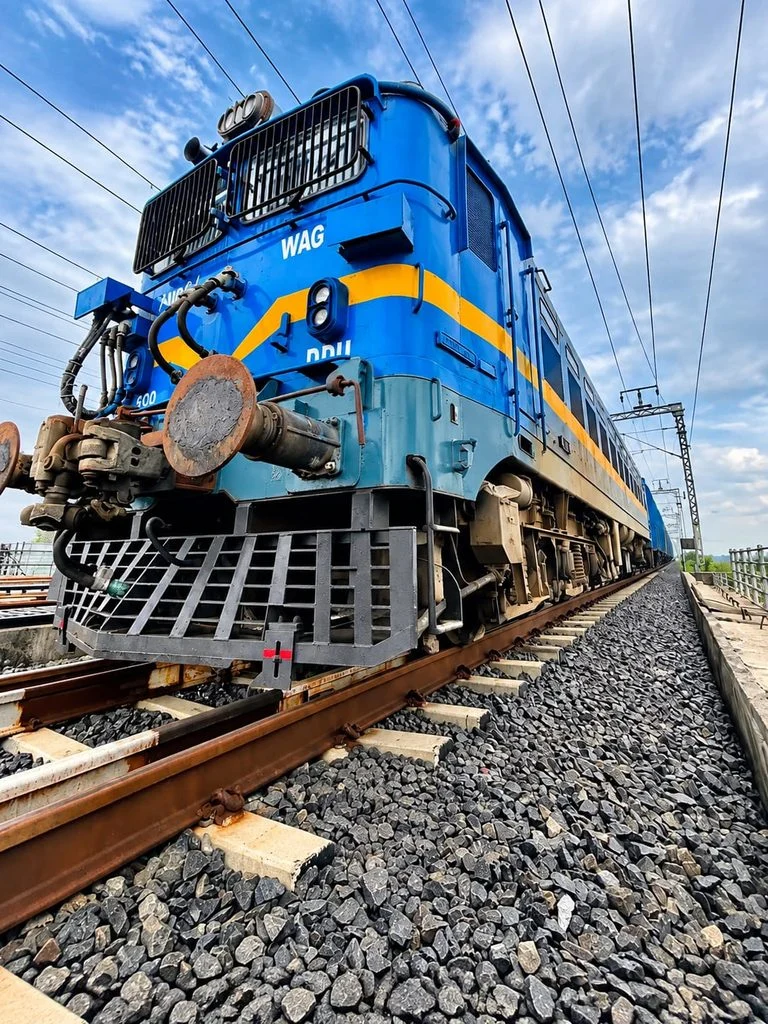
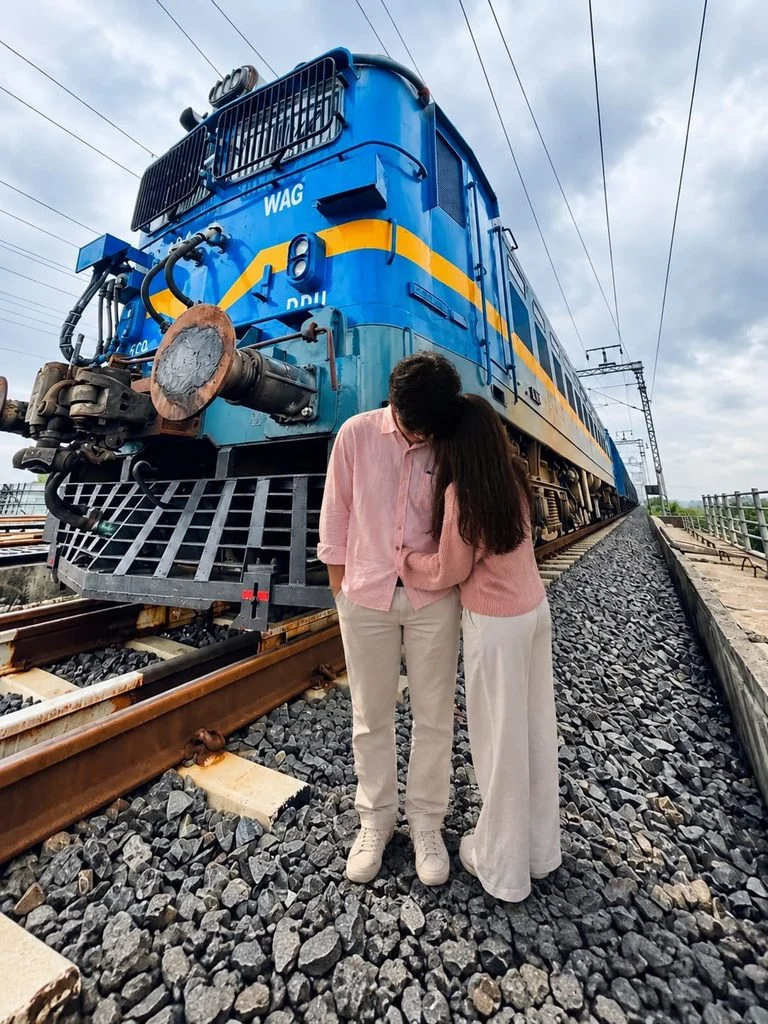
Reference Image
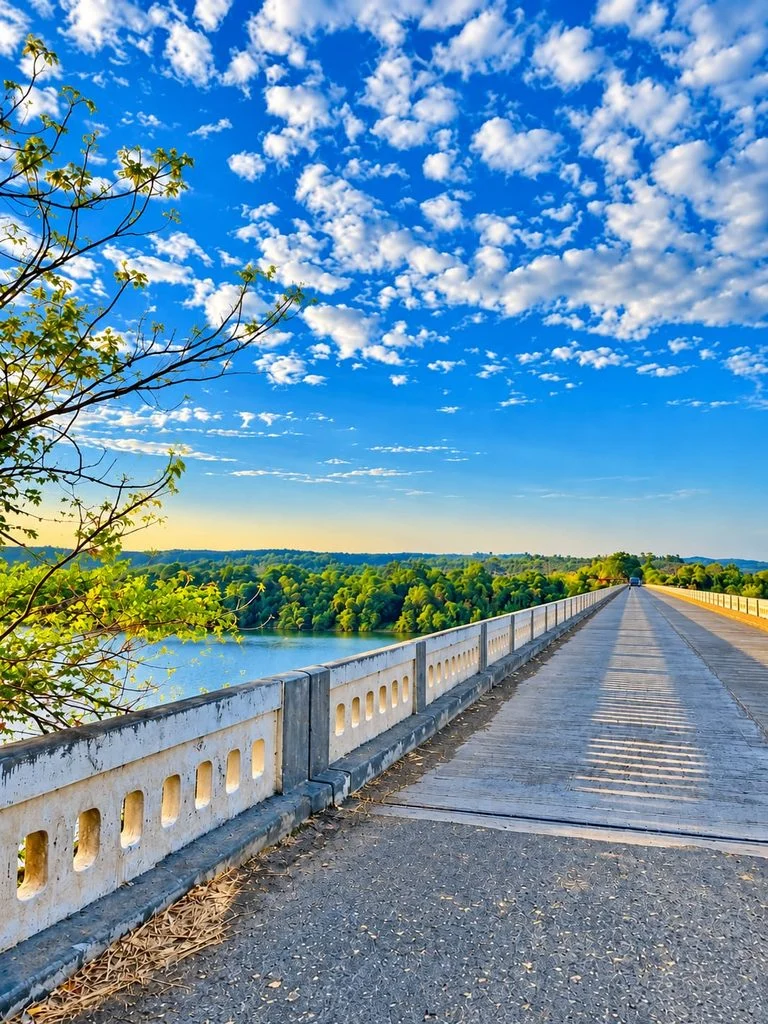
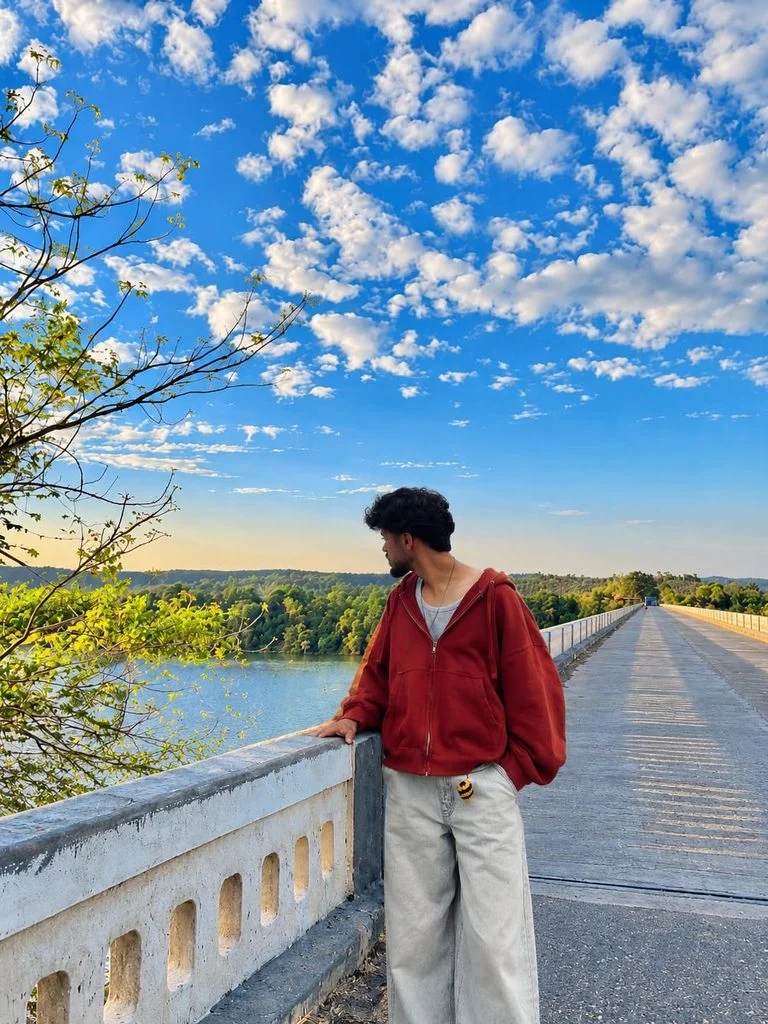
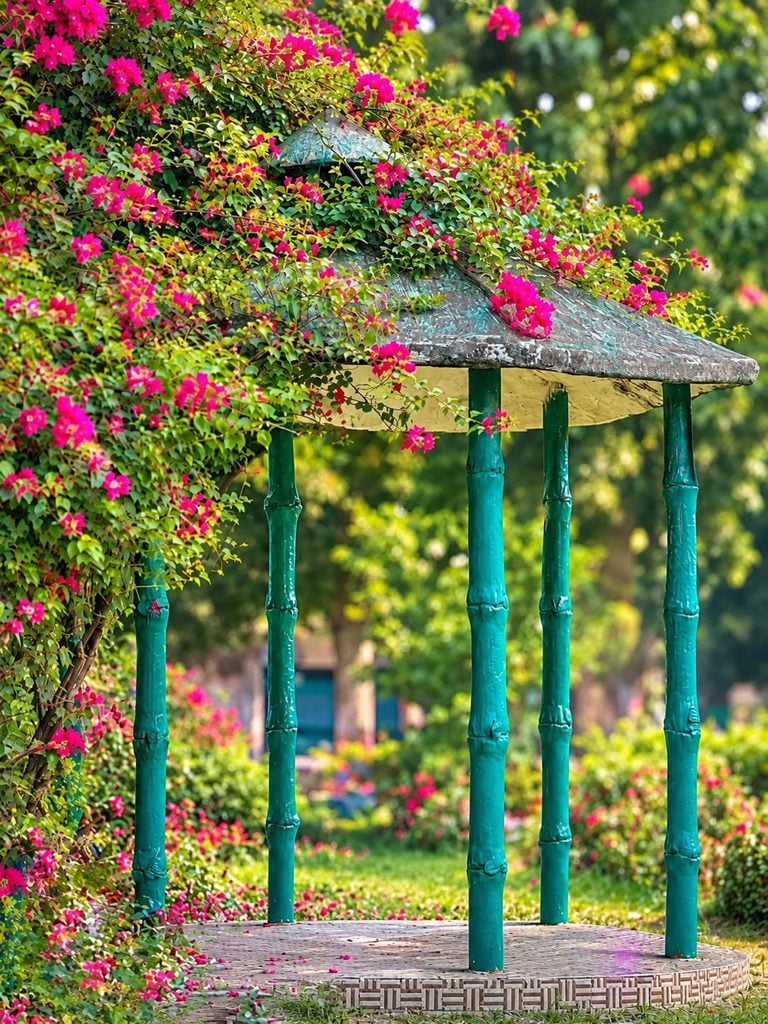
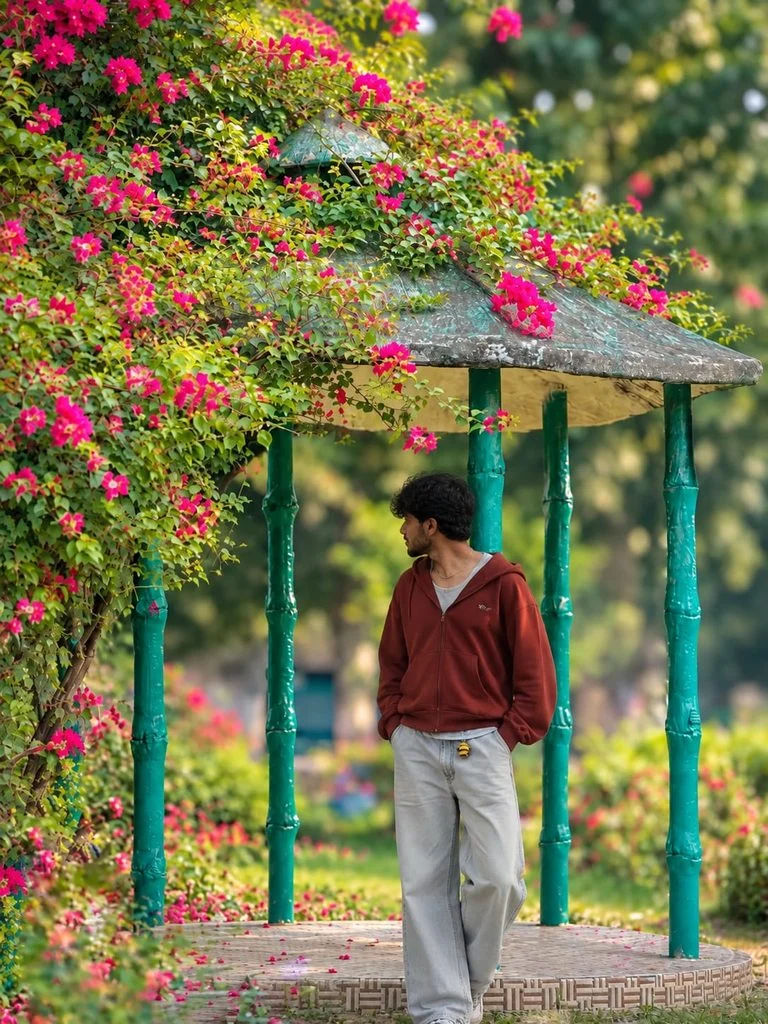
How to Create a Cinematic Portrait With AI
Creating this type of edit does not require advanced photo editing skills. You can follow a simple process:
- Choose a clear portrait with good lighting.
- Upload the image to your preferred AI photo editing tool.
- Describe the background you want to create.
- Mention the lighting, mood, colors, and environment.
- Tell the tool to preserve the person’s identity and facial details.
- Generate the edited image.
- If the result looks unnatural, adjust the prompt and try again.
- Save the version that looks the most realistic.
Background Styles You Can Try
There are many directions you can take with cinematic portrait editing. Some popular ideas include:
- Neon city streets
- Sunset beaches
- Luxury interiors
- Rainy urban roads
- Mountain landscapes
- Dark studio setups
- Forest environments
- Vintage streets
- Modern rooftop scenes
- Futuristic backgrounds
Why Everyone Is Trying This Photo Trend
One reason this trend has become popular is its simplicity. You do not need an expensive camera, professional location, or complicated editing software.
You can also try the Aesthetic Photo With Nature Vibes & Anime Flashlight AI Photo Prompt
A single portrait can be turned into several different styles by changing only the background. You can make one version look like a movie scene, and another feel like a luxury photoshoot.
People commonly use these edits for:
- Instagram profile photos
- Facebook and TikTok posts
- YouTube thumbnails
- Personal wallpapers
- Creative portraits
- Social media stories
Mistakes to Avoid While Using AI Prompts
A few common mistakes can make the final portrait look less realistic:
- Face looks different: Ask the AI to preserve the original identity.
- Background looks fake: Add realistic lighting and natural depth.
- Subject does not blend: Mention matching shadows and perspective.
- Skin looks unnatural: Ask for natural skin texture.
- Lighting does not match: Specify the direction and intensity of light.
- Background is too sharp: Request a soft depth-of-field effect.
- Clothes change: Tell the tool to preserve the original clothing.
- Image looks over-edited: Use fewer effects and request a realistic finish.
Final Words
AI has made cinematic portrait editing much easier for anyone who wants to experiment with creative photography. You can take an ordinary portrait and give it a completely different setting without arranging a professional photoshoot.
These Trending Cinematic Background Portrait AI Photo Prompts 2026 are a good starting point for trying different moods, locations, and visual styles. Keep the instructions clear, preserve your original appearance, and focus on realistic lighting and blending.