Trending Funny AI Video Editing Prompt 2026 | Viral Comedy Videos
AI video editing is taking social media by storm in 2026, especially for funny and entertaining video creations. From hilarious character transformations to unexpected comedy scenes, people are using AI tools to turn simple ideas into amazing videos.
The funny AI video trend is perfect for anyone who wants to create entertaining content for TikTok, Instagram Reels, Facebook, and YouTube Shorts. You don’t need expensive equipment or professional editing knowledge. Just choose a creative idea, use the right AI prompt, and let the AI tool generate your video.
In this guide, we will explore some of the best funny AI video editing prompts, popular video styles, and easy methods to create your own comedy videos.

What Makes the Funny AI Video Trend Special?
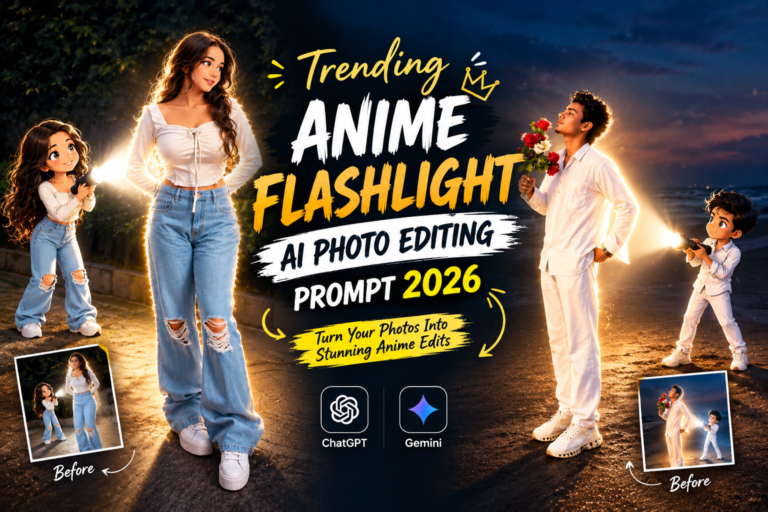
The funny AI video trend is all about creating unusual, surprising, and humorous moments with artificial intelligence. Instead of recording every scene with a camera, creators can describe their ideas in text and generate entertaining video clips. You can also try the Aesthetic Photo With Nature Vibes & Anime Flashlight AI Photo Prompt
Some popular funny video concepts include:
- Funny boys and girls performing unexpected actions.
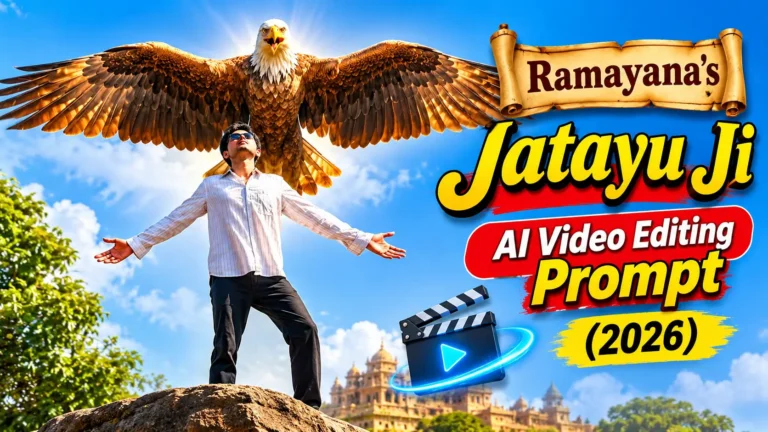
- Animals acting like humans in hilarious situations.
- Crazy dance moves and unusual transformations.
- Funny reactions with exaggerated facial expressions.
- Comedy scenes featuring friends and family.
- Unexpected situations with cinematic effects.
Trending Funny AI Video Editing Prompt
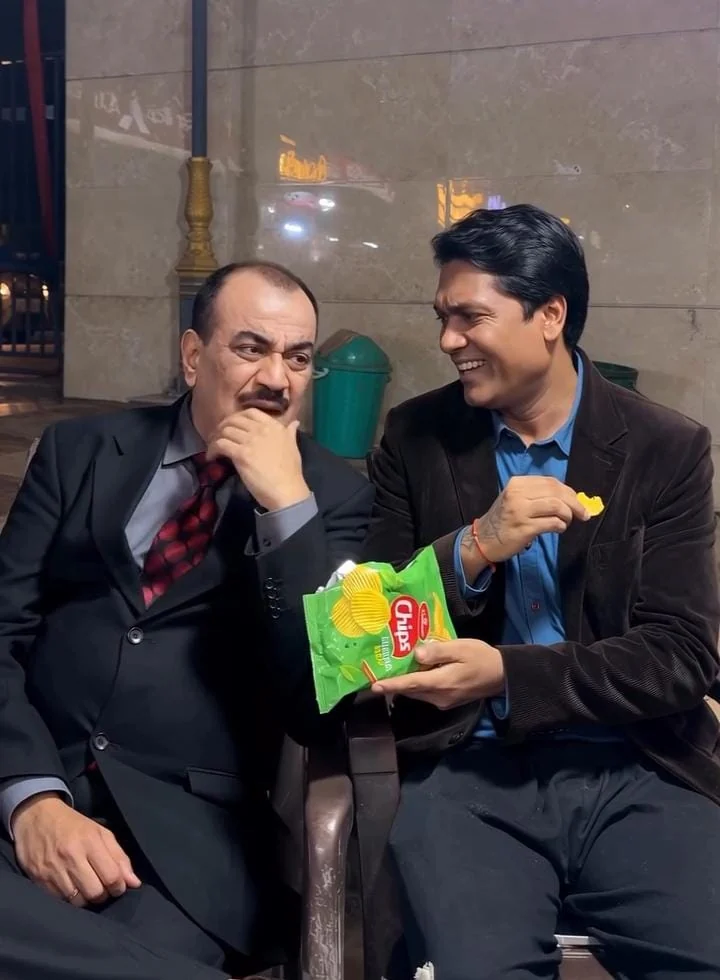
How to Generate Funny AI Videos Using Prompts
Follow these steps to make your own comedy video:
- Find an Idea: Choose a funny situation that you want to turn into a video.
- Choose an AI Generator: Open Google Flow, Kling AI, or another compatible AI video tool.
- Prepare this Prompt: Copy your favorite funny AI video prompt from this article.
- Add a Reference Photo: Upload a clear image if you want to use a specific person’s appearance.
- Generate the Video: Paste your text and select the available video settings.
- Review the Result: Check facial expressions, movements, and video quality.
- Add Final Effects: Use CapCut to add funny music, sound effects, and captions.
Which AI Tools Can Help Create Funny Videos?
You can experiment with different AI platforms to create comedy videos.
- Google Flow: Useful for generating creative video scenes.
- Kling AI: Helps create realistic character movements and video clips.
- Runway: Offers creative AI video generation and editing features.
- Google Gemini: Helps develop ideas and write detailed video prompts.
- ChatGPT: Useful for creating customized comedy prompts and video concepts.
- CapCut: Helps add music, transitions, subtitles, and funny sound effects.
Why Should You Try Funny AI Video Editing?
Funny AI video editing is a great choice for creators who want fresh social media content.
- Create entertaining videos without recording every scene.
- Experiment with unlimited comedy ideas.
- Make unique characters and funny transformations.
- Create content for different social media platforms.
- Save time with AI-assisted video generation.
- Make your content more creative and engaging.
Tips for Making Funny AI Videos Stand Out
If you want your comedy videos to attract more viewers, try these ideas:
- Start your video with a surprising moment.
- Use funny expressions and unexpected actions.
- Keep the story simple and easy to understand.
- Add trending sounds where permitted.
- Use clear captions and attractive thumbnails.
- Avoid unnecessary effects that distract from the comedy.
- Experiment with different prompts to find your own style.
Final Thoughts
The Trending Funny AI Video Editing Prompt 2026 trend gives everyone a chance to explore creative video generation. You can create funny dancing clips, hilarious animal videos, unexpected transformations, and entertaining comedy scenes with simple text instructions.
The prompts shared in this article are a great starting point. Copy your favorite prompt, try it with an AI video generator, and adjust the instructions to get the results you want.