Cinematic Color Grading AI Photo Editing 2026 | ChatGPT Prompt
Have you ever looked at a photo and wondered how it got those beautiful movie-like colors? Sometimes, an ordinary picture can look like a scene from a Hollywood film just by changing its colors, lighting, and overall mood. The good news is that you don’t need expensive editing software or professional photography skills to get this look.
With ChatGPT, you can create cinematic color grading effects using simple AI prompts. Just upload your photo, enter the right prompt, and let AI transform its colors into a professional cinematic style. In this guide, we’ll share some amazing cinematic color grading prompts you can try in 2026.
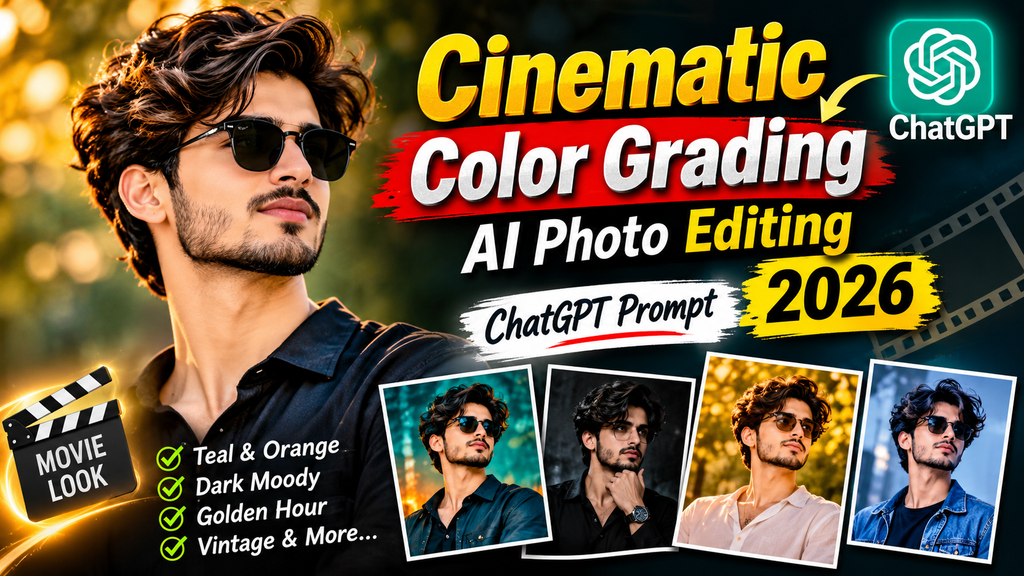
What Is Cinematic Color Grading AI Photo Editing?
Cinematic color grading is a photo editing technique that gives pictures the appearance of movie scenes. It changes the colors, contrast, shadows, highlights, and lighting to create a particular visual mood.
For example, warm orange tones can make a picture feel romantic, while cool blue shades can create a dramatic movie atmosphere.
With ChatGPT image editing, you can describe the exact color style you want and use AI to improve your photos without manually adjusting every setting.
Why Is Cinematic Color Grading Trending in 2026?
Cinematic photo editing is becoming popular because people want their everyday pictures to look more professional and attractive.
Here are some reasons behind this trend:
- Movie-Like Effects: Give everyday photos a beautiful, film-inspired look.
- Easy AI Editing: Create professional-looking edits with simple text prompts.
- Social Media Content: Make Instagram posts, Facebook photos, and profile pictures more attractive.
- Different Color Styles: Try warm, cool, dark, vintage, and dramatic color effects.
- No Advanced Skills: Beginners can experiment with different editing styles without learning complicated software.
Best Cinematic Color Grading ChatGPT Prompts 2026
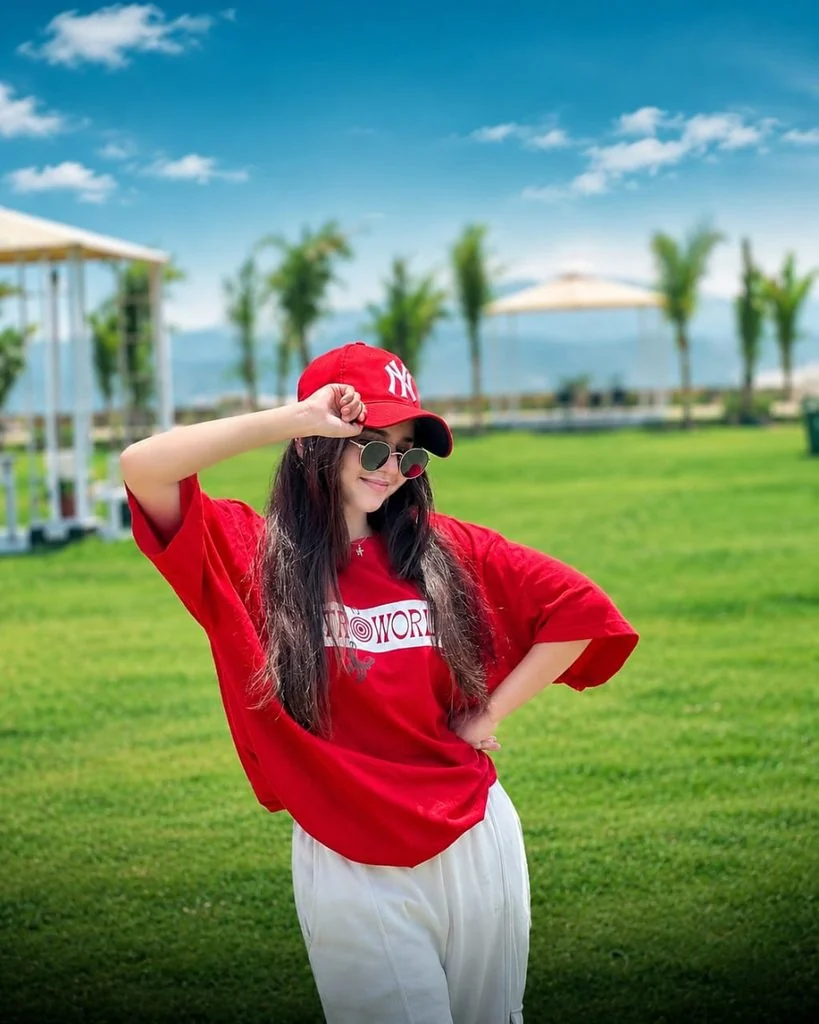
How to Create Cinematic Color Grading Photos with ChatGPT
You don’t need to be an expert to create these edits. Follow these simple steps:
- Open ChatGPT on your mobile phone or computer.
- Upload the photo you want to edit.
- Copy any cinematic color grading prompt from this article.
- Paste the prompt into the ChatGPT message box.
- Ask ChatGPT to apply the requested cinematic effect.
- Wait for the edited image to generate.
- If you don’t like the result, try a different prompt or ask for small adjustments.
- Save your final image and share it on your social media accounts.
Also check: Viral Sheru Bhai AI Photo Editing Prompt & Das Mereya Dilbara Ve CapCut Template.
Best AI Tools for Cinematic Color Grading
Here are some useful AI tools you can use to create professional cinematic color grading effects:
- ChatGPT: Edit photos using simple text prompts and create different cinematic color styles.
- Google Gemini: Transform ordinary pictures with creative AI photo editing prompts.
- Adobe Lightroom: Adjust colors, contrast, highlights, shadows, and exposure for a professional film look.
- Midjourney: Generate cinematic-style images with detailed lighting and color effects.
- Leonardo AI: Create artistic images with dramatic lighting and cinematic visual styles.
- Canva: Apply photo filters, adjust colors, and create attractive social media images.
Common Problems and Their Fixes
Sometimes, AI may not produce the exact cinematic look you want. Here are a few common problems and their solutions.
- Face Changed: Add instructions to preserve your original face and identity.
- Too Much Contrast: Ask AI to reduce contrast and balance the highlights.
- Unnatural Skin Color: Mention natural skin tones in your prompt.
- Image Looks Too Dark: Request brighter exposure and softer shadows.
- Colors Look Oversaturated: Ask for balanced saturation and realistic colors.
- Background Changed: Clearly instruct AI to keep the original background unchanged.
Tips for Better Cinematic AI Photo Editing
Follow these tips to make your results look more natural and professional:
- Always use a clear and high-resolution image.
- Choose a color style that matches your photo.
- Avoid adding too many effects in one prompt.
- Mention lighting, shadows, highlights, and contrast.
- Keep natural skin tones for realistic results.
- Try different prompts to find your favorite cinematic look.
Final Words
Cinematic color grading is a simple way to make ordinary pictures look like professional movie scenes. With ChatGPT, you can experiment with different colors, lighting effects, and visual styles without spending hours on manual editing.
Try the prompts shared above and give your photos a beautiful cinematic appearance. Remember to keep your original facial features natural for the best results.